
FOR THE NCO RUNNING THE LANE
AFT Grader Assistant
Score your whole squad on one screen. Points appear as you type, failures flag instantly, and the CSV exports ready for DA Form 705.
If you are the aft grader running a lane, you are doing arithmetic for twelve people while counting reps for one. This tool takes the arithmetic.
Add a row per soldier, enter raw results, and points appear inside each cell as you type. Any event under 60 flags red the moment you enter it. The roster stays in your browser, so a dropped signal in the motor pool does not cost you the morning.
How to grade the AFT without doing the maths twice
Most grading errors are not judgement calls about form. They are arithmetic and column errors, made under time pressure with a clipboard.
Three that cost soldiers points regularly.
The wrong age band. Age on test day sets the band, and there are ten of them. A soldier who turned 27 last week moved bands.
The wrong column. The general standard has separate male and female columns. The combat standard is sex-neutral and reads the male column. A combat-specialty soldier scored on the female column gets a score that does not exist.
Adding five numbers in the cold. Five events, ten rows, fifty additions before you have a squad picture. This is where totals drift.
The tool above removes all three. You set the band by entering the age, you set the column by picking the standard, and it adds.
Does this replace the scorecard?
No. Only a certified grader entering results into DTMS produces a record score. This checks your arithmetic before it reaches DA Form 705, and exports a CSV so you are transcribing from something verified rather than from a damp clipboard.
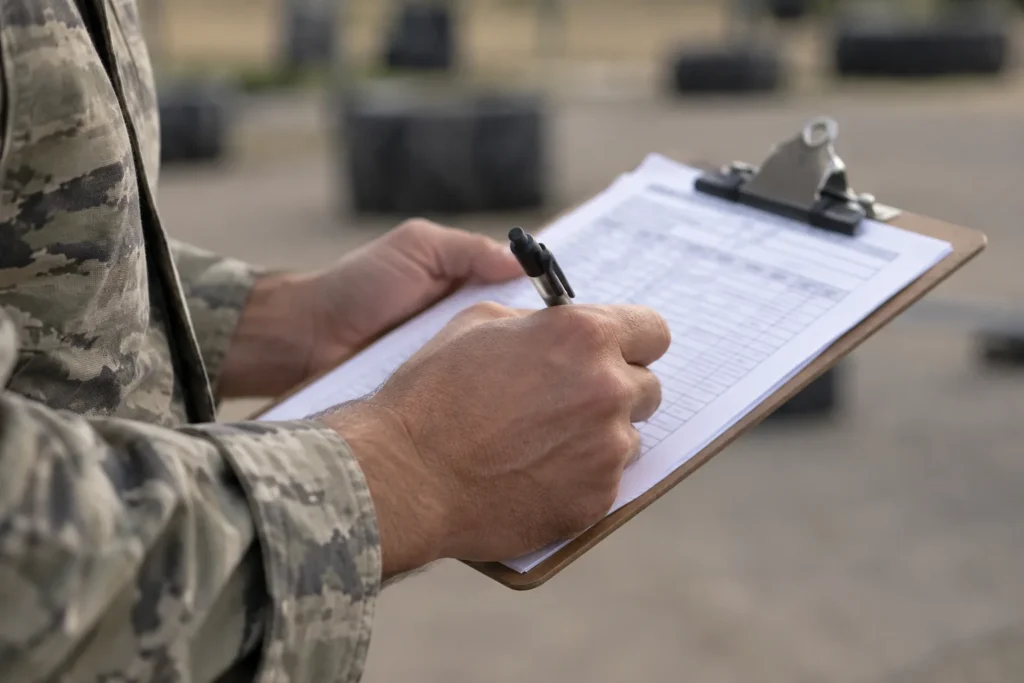
An AFT scorecard for multiple soldiers, on one screen
The summary line under the table is the part worth having. It reads something like: nine of twelve passed, squad average 341, most common failure the two-mile run, four soldiers below the 60-point floor.
That last clause is next week’s training schedule. Knowing your squad averaged 341 is mildly interesting. Knowing that four of them failed on the same event tells you what to program.
Marginal passes are flagged separately. A soldier who cleared 300 by four points passed today and will fail on a bad morning. Those are the ones to catch now rather than at the retest.
Running the lane
A few procedural points that catch new graders out.
Soldiers get at least five minutes’ rest between the last event and the two-mile run. Separate 2MR graders are authorised and speed the whole thing up, with the OIC or NCOIC handling the transfer of soldiers and scorecards between teams.
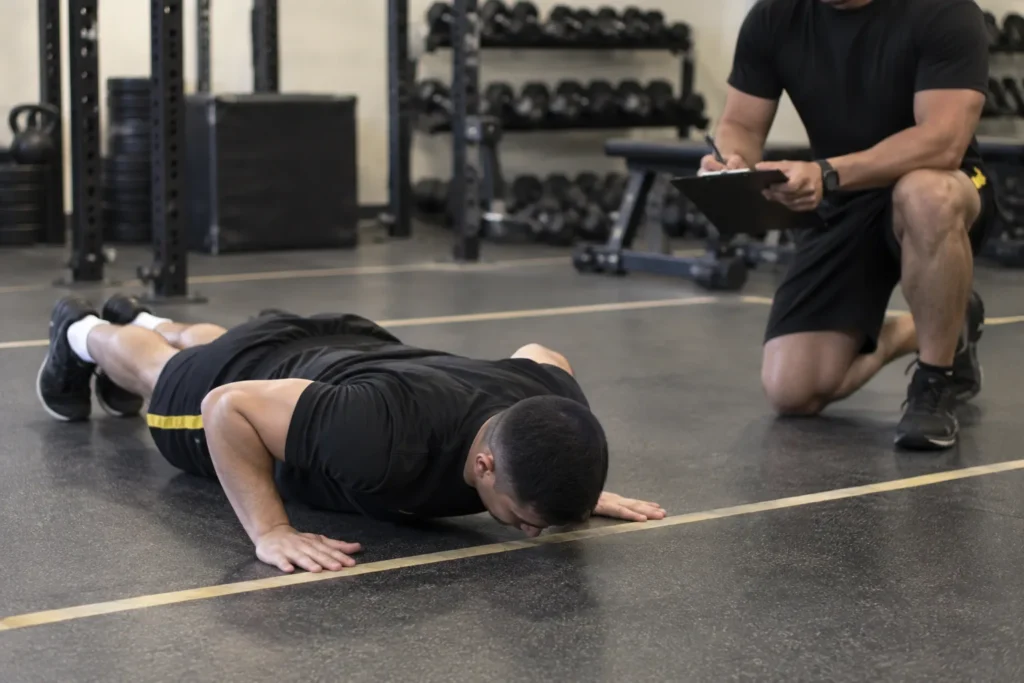
Soldiers on a permanent profile test in the fourth lane position for every event. If a soldier is taking an alternate aerobic event, row and bike start ten minutes after their last completed event, and swimmers must reach the pool inside the overall 120-minute window.
Redundant timing matters on the run. Two people counting laps costs nothing and prevents the one error you cannot reconstruct afterwards.
What if a soldier disputes a score?
Show them the row. The tool prints raw result and points side by side, so the conversation is about the rep count or the time, not about the table. Most disputes are actually about the arithmetic, and those end quickly when the arithmetic is visible.
Where the roster lives
On your device, in your browser. It is never sent to us and there is no account.
That is deliberate. A squad roster with names, ages and fitness results is exactly the sort of thing that should not sit on someone else’s server. Export the CSV before you clear it, because clearing is permanent.
If you are testing across multiple lanes, one browser per lane works fine. Export each and combine.
Frequently Asked Questions
One last thing before test day
Run three known scores through the tool before you use it on a real roster. Take three soldiers whose scores you already have from a diagnostic, enter them, and confirm the numbers match. Any aft grader should do that with any tool, including this one, and including the laminated card in your pocket.